TABLE OF CONTENTS
Front end features:
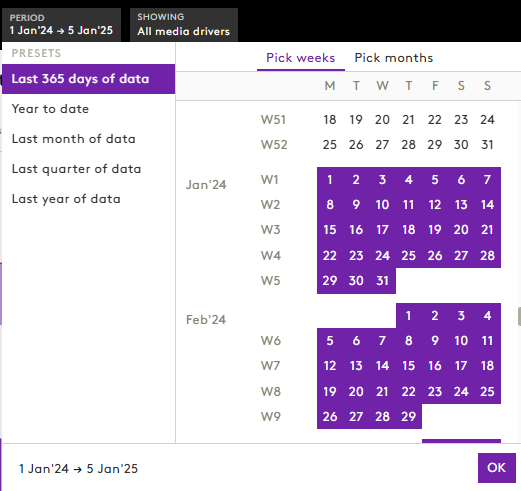
1. Enhanced Preset Options for Period Selection
We have refined the preset period filter options across Business Insights and Optimiser modules to improve the overall ease of use.
What’s new:
- Dynamic Presets: The available time ranges now adapt automatically to your model’s data availability.
- Contextual Relevance: Only relevant date ranges are shown, avoiding invalid or empty selections.
- Supports Complex Models: Particularly useful for models with long durations or rolling windows.
These changes help users quickly select meaningful periods without needing to cross-check model timelines.
2. Dropdown Control for Insight Breakdown
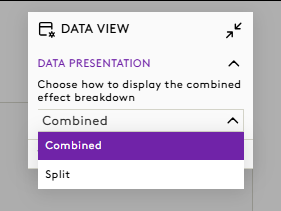
To enhance the interpretability of insight views, we’ve introduced a dropdown selector for insight breakdowns in applicable models.
Highlights:
- Simplified Control: Users can now choose between a Combined or Split view via a dropdown menu instead of toggles.
- Applies to Key Model Types: Available in Direct/Indirect and Long-Term Portfolio models.
- Ready for Future Expansion: The dropdown format allows for easy addition of new breakdown types going forward.
- Guided Understanding: Tooltips help clarify how breakdown logic influences the interpretation of results.
This update provides a more intuitive and scalable way to control how insights are visualised.
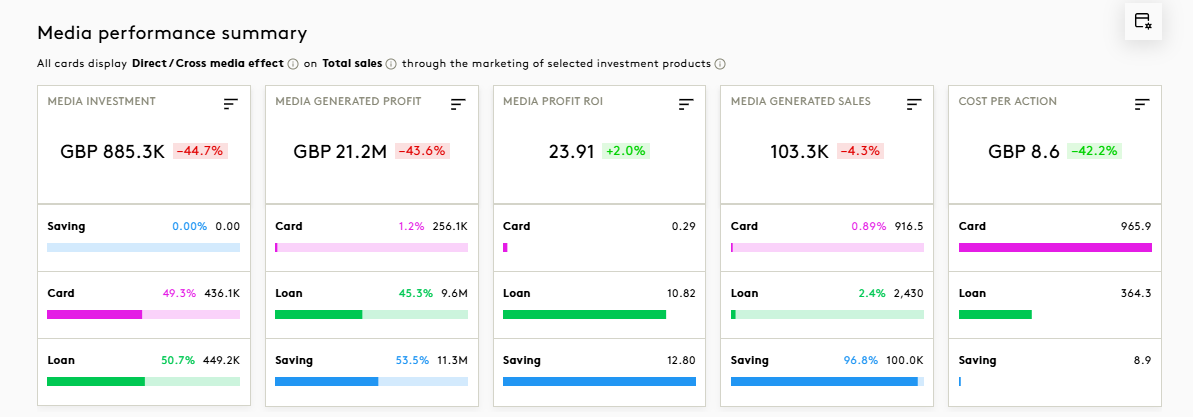
For Example,
Combined view:
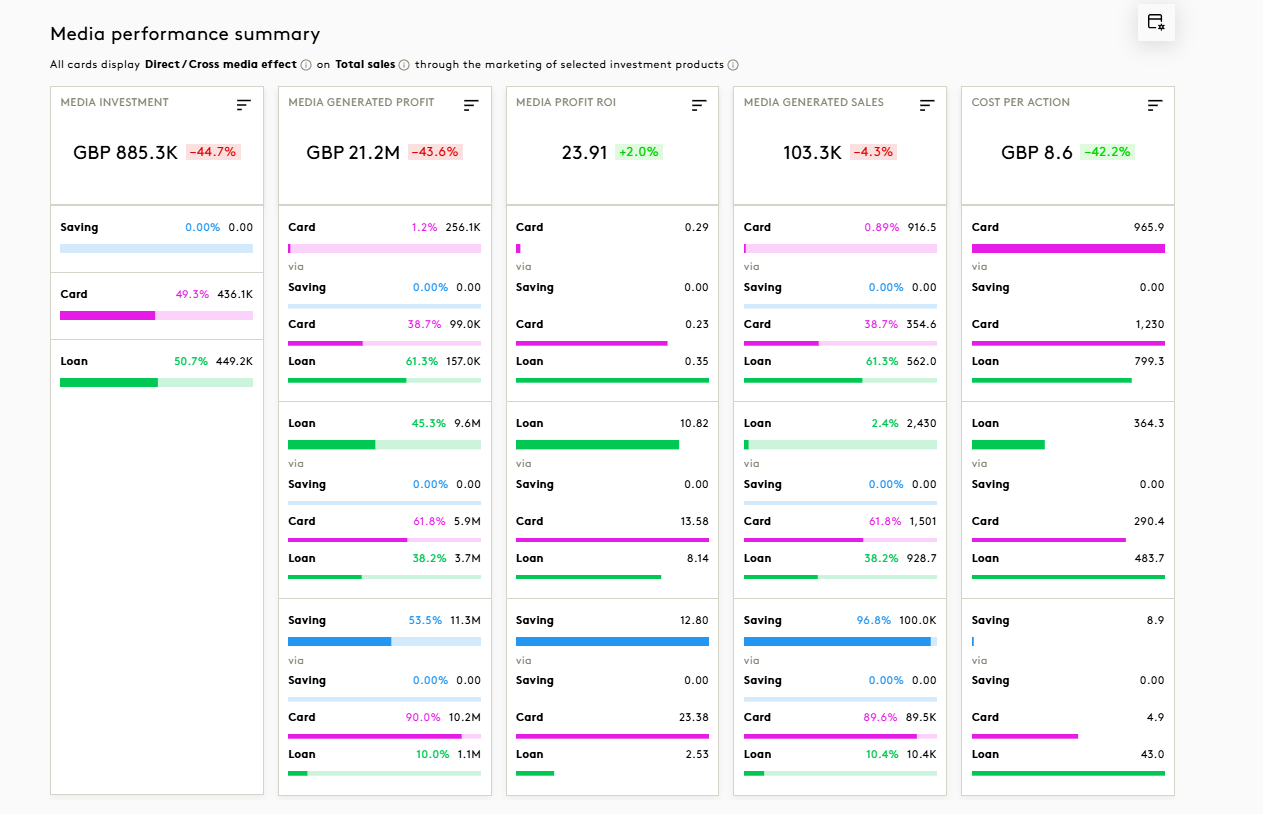
Split view: